

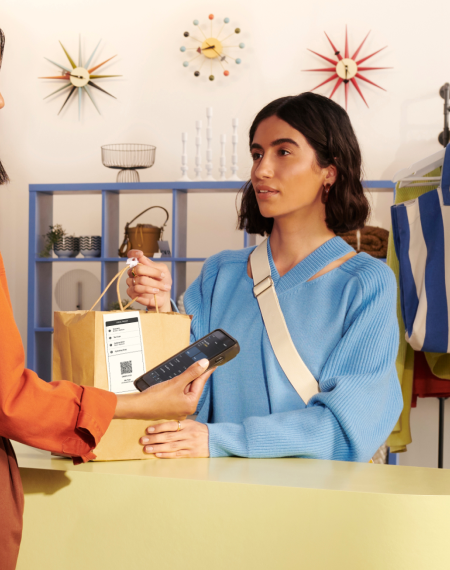
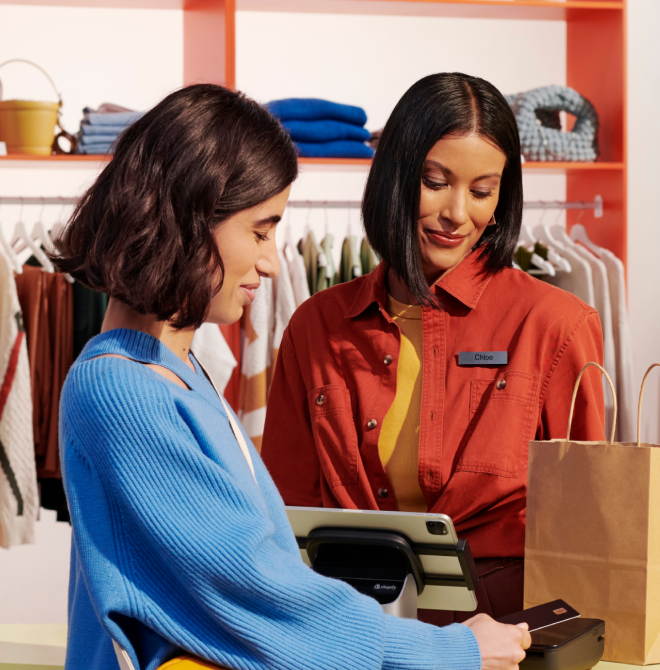
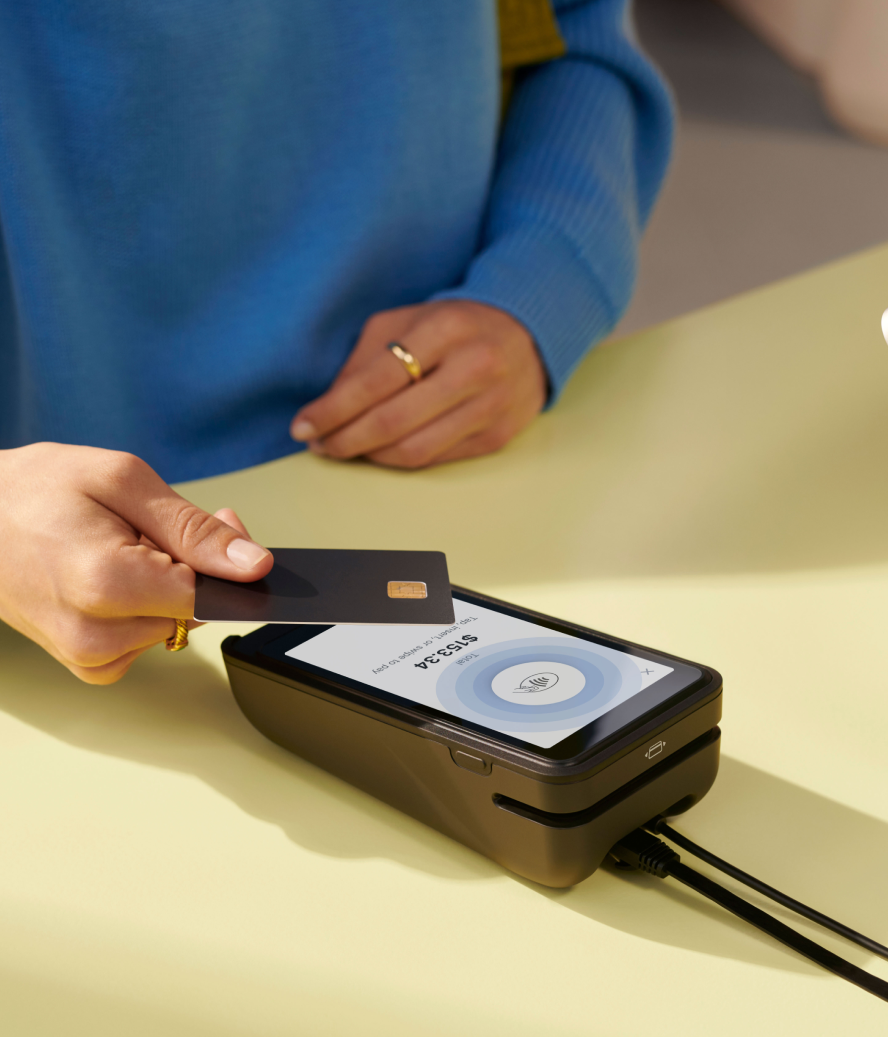

Ship from store is a fulfillment method that uses retail inventory to complete online orders. Store employees pick and pack each order before handing it to a carrier.
During their busiest holiday months, lifestyle retailer Paige fulfilled 17% of online orders through a ship-from-store strategy. The company kept holiday headcount flat and completed Black Friday without issue.
This guide covers how ship from store works and how to create a strategy for your store.
What is ship from store?
Ship from store (sometimes called deliver from store) refers to fulfilling online orders with inventory held at a physical retail location. Stores operate as local mini-warehouses within an omnichannel fulfillment network.
When an order comes in, the retailer selects a store based on inventory availability and the customer’s location. Store employees pick and pack the item, then hand it to a carrier for delivery.
How ship from store works
Ship-from-store workflows begin with order routing software. The software checks inventory across active fulfillment locations and assigns the order according to the retailer’s rules.
A rule may prioritize a location that carries all items in an order, or favor the closest store or a location within the customer’s market.
| Step | What happens |
|---|---|
| Order placed | Customer completes an online purchase. |
| Order routed | Software selects a fulfillment location. |
| Items picked | Store staff locate and scan products. |
| Order packed | Staff prepare the package and slip. |
| Shipping assigned | Staff print a label and add tracking. |
| Order dispatched | Carrier collects and delivers the package. |
WithShopify order routing, retailers can use default rules or create custom rules for their fulfillment network. Staff usingShip from store on Shopify POS can pack orders, print packing slips, purchase shipping labels, and assign tracking from the store.
When to use ship from store
Ecommerce accounted for 20.5% of global retail sales in 2025, up from 19.9% in 2024, according to eMarketer. Retailers use different fulfillment methods based on inventory location, delivery area, order volume, and available staff.
Ship from store fits orders when a nearby retail location has the required inventory. The table below compares this approach with other order fulfillment methods.
| Method | Best suited for | Fulfilled from | Customer receives |
|---|---|---|---|
| Ship from store | Orders near available store inventory | Retail store | Home delivery |
| Warehouse shipping | High-volume centralized fulfillment | Company warehouse | Home delivery |
| 3PL | Outsourced storage and fulfillment | Provider warehouse | Home delivery |
| Local delivery | Orders within a defined area | Store or local hub | Local courier delivery |
| Pickup | Products stocked at the pickup location | Retail store | Store pickup |
| Ship to store | Products unavailable at the pickup location | Warehouse or another store | Store pickup |
Shipping speed is one part of the decision. Ryder’s 2025 ecommerce study found that free shipping influenced 76% of shoppers, while delivery within two days influenced 15% of shoppers.
Ship from store may reduce the distance between available inventory and the customer, but the cost depends on the order and shipping carrier.
Benefits of ship-from-store fulfillment
Businesses continue to incorporate ship-from-store fulfillment into their retail operations. During fiscal 2025, Ulta Beauty doubled their ship-from-store network from about 500 locations to more than 1,000 locations, according to their 2026 SEC filing.
Here are six benefits of this approach:
1. Puts inventory closer to the customer
Centralized distribution centers and freight warehouses tend to be located away from residential areas. Instead, they are near airports, railroad terminals, ports, and major highway intersections.
Local stores, on the other hand, are typically located where customers can find them—that is, in or near residential neighborhoods. By fulfilling customer orders from a store, retailers can reduce the distance an item travels to reach the customer.
2. Offers faster delivery speeds
An order may reach the customer sooner when it ships from a nearby store rather than a distant warehouse. The delivery time still depends on inventory availability, order processing, and carrier service.
Speed is important to online shoppers. In DHL’s 2025 global survey, 52% of respondents wanted faster delivery. Free delivery ranked higher at 72%, followed by free returns at 53%.
Delivery performance also impacts customer reviews. A study published in the Journal of Marketing Analytics found that late orders received much lower ratings than on-time orders. Early deliveries produced only a small ratings increase, making the promised delivery date more important than arriving ahead of schedule.
3. Lowers shipping costs
By storing inventory close to online shoppers, shipping from store not only facilitates quick delivery, it enables retailers to manage their own deliveries without the loss of control and potential cost overruns of a third-party logistics (3PL) company.
4. Supports in-store pickup
Holding inventory in-store also supports customer in-store pickup. That said, in-store pickup needs to be handled well to provide the maximum benefit.
The package needs to be ready to go at the time given to the customer, and the overall pickup experience needs to be pleasant for them. Make sure customers are aware of your store hours, so they can plan their pickups accordingly.
5. Optimizes store efficiency
To be effective, ship from store requires precise and up-to-the-minute inventory control, a well-organized shipping and fulfillment operation, and tight coordination with customer service employees. Otherwise, in-store customers may not get much-needed attention, or order accuracy may suffer as employees attempt to multitask.
6. Improves inventory turnover
Ship from store exposes retail inventory to online demand. A product sitting at one location can fulfill an order from another market, increasing the chance that overstocked or seasonal merchandise sells before it requires a markdown.
Inventory visibility shows where each product is available, and order routing determines which location fulfills the sale. A 2024 study in the European Journal of Operational Research found that store replenishment and online demand allocation are connected under ship from store. Retailers can configure routing rules to direct eligible orders toward locations holding excess stock.
Ship-from-store challenges and requirements
Ship from store changes the cost and workload of fulfilling online orders.
Here are some challenges to consider.
An order can fail before it leaves the shelf
A product may be missing, damaged, or different from the item shown in the inventory record. Barcode scanning gives employees a chance to catch the problem before packing.
More staffing may be required
Store employees handle fulfillment alongside customer service and daily operations. Order volume may require dedicated shifts during busy periods. Daily limits keep incoming orders within each location’s capacity.
Online orders pass through several systems before reaching a store
The ecommerce platform, POS, order management software, and carrier tools must share the same order status. A failed connection can delay routing or leave customers without tracking information.
Inventory counts must update after every sale
Otherwise, the routing system may assign an unavailable product. Supply chain visibility is an active area of investment. Deloitte found that 30% of retailers use AI for this purpose, while 41% expect to use it within the next year.
Retail stores may not have space for fulfillment
Employees require a work area where they can pack orders, print labels, and stage completed shipments without blocking the sales floor.
Carrier schedules determine when an order leaves the store
Pickup times and store cutoff rules must match the shipping dates shown to customers. Under the FTC’s Mail, Internet, or Telephone Order Merchandise Rule, sellers must have a reasonable basis for the advertised shipping time frame. Delayed orders require the customer’s consent or a refund.
How to create a ship-from-store strategy
A ship-from-store strategy can improve the shopping experience for your customers, build loyalty, and help your business grow.
Here’s what to keep in mind when creating your retail ship-from-store strategy:
Choose a compatible POS system
Ship from store depends on a POS system that shares order and inventory data across retail and ecommerce locations. Store employees need access to new orders, current inventory levels, fulfillment status, and tracking information from the same system.
Shopify’s Ship from store workflow is available at locations using Shopify POS Pro. Retailers must also configure each participating store as a fulfillment location, assign order-routing rules, and add a shipping profile.
Employees with the required permissions can then pack orders, print shipping documents, purchase labels, and add tracking through Shopify POS.
Create a shipping station in your stockroom
The specific equipment and tools your staff needs will depend on factors such as the complexity and size of your retail operation. Some of the most common items in a typical shipping station include:
- Shipping labels
- Label printer
- Barcode scanner
- Packaging supplies
- Packing slips and invoices
- Shipping scales
- Shipping software
Optimize your shipping station’s layout and technology through proper storage and organization based on your staff’s tools. This will improve their work and maximize productivity, as they can quickly find what they require and reduce errors.
Use space organization tools, such as utility drawers, storage cabinets and shelves, CPU holders, keyboard trays, and pegboards to facilitate a smooth packing process.
You can also organize packing materials into labeled areas, use color coding, create multiple packing zones, and automate processes like barcode scanning to update inventory and order status.
Gather your shipping materials and measure boxes
Select packaging based on the size and weight of the products each store will ship. Keep enough box sizes on hand to avoid placing small products in oversized packages. Record the packaged weight and outside dimensions for each common shipment.
Carriers may charge by dimensional weight when a package occupies more space than its actual weight suggests. For USPS Priority Mail, dimensional-weight pricing applies to parcels sent to Zones 1 through 9 that exceed one cubic foot, or 1,728 cubic inches.
Measure the package’s length, width, and height, rounding each dimension to the nearest whole inch. Multiply all three measurements, then divide the result by 166. Round that figure up to the next whole pound. USPS charges based on the dimensional weight or actual weight, whichever is greater.
Document your order fulfillment process
Write down how an order moves through the business so each store follows the same process:
- Receiving inventory. Explain how employees inspect incoming products and record them in inventory.
- Routing orders. Record how the system selects a fulfillment center and what happens when that store cannot complete the order.
- Picking and packing. List the steps for locating products, verifying each item, packing the order, and printing the shipping label.
- Shipping orders. Define carrier cutoff times, pickup procedures, and when tracking information is sent to the customer.
- Processing returns. State where customers can return orders and how employees inspect, restock, or refund them. Return methods matter to customers. DHL’s 2025 global survey found that 45% preferred parcel shops. Home collection followed at 34%, while 22% preferred parcel lockers.
Shopify shipping profiles and zones set rates for products and fulfillment locations. These settings determine which shipping options and prices appear at checkout.
Pass the parcel to your shipping carrier
When you’re finished packing your customers’ orders, pass the parcels along to your carrier, who will pick them up from your store and deliver them directly to your customers’ doorsteps.
Work with services like Shopify Shipping to fulfill orders fast and save money on shipping labels from carriers like DHL Express, UPS, and USPS. Shopify also gives you access to discounted shipping rates from carriers like Canada Post and UPS. You can set up shipping rates automatically based on weight, dimensions, and destination.
Enable shipment tracking
Provide your customers with clear, convenient, and informative package tracking updates and real-time notifications so they can see when to expect their delivery.
For example, when you activate Shopify’s shipment tracking feature, your customers can install the Shop app directly from your store’s order status page. There they can track any order using a valid tracking number, and get real-time order status updates, live-map tracking, and delivery notifications.
Would ship from store work for your retail business?
Ship from store works best for retailers with multiple stores, reliable real-time inventory, trained store staff, and local delivery demand.
Use these questions to assess your operation:
- Are your stores close to a meaningful share of online customers?
- Does inventory update after every online and in-store sale?
- Can store employees fulfill orders without affecting customer service?
- Is there space to pack and stage shipments?
- Can your system route orders to the right store?
- Do carriers offer dependable pickups from each location?
- Does the cost per order compare favorably with warehouse fulfillment?
Ship from store may not suit a retailer with one location far from most customers. It can also create problems when inventory records are unreliable or store teams lack hybrid fulfillment capacity. A warehouse or 3PL may provide lower costs and fewer errors when orders require specialized packing or centralized automation.
Shopify integrates store inventory, online orders, and fulfillment data into a single platform. Order-routing rules assign each order to an eligible location, while Shopify POS records fulfillment updates from the store.
Read more
- How Retail Store Owners Can Optimize Their Mobile Presence
- 5 Strategies to Future Proof Your Brick-and-Mortar Store
- Lightspeed vs Shopify POS: The Best of All Lightspeed Alternatives
- The Ultimate Guide to Curbside Pickup (+ Real Retail Examples)
- Why Retail Store Owners Need to Be Thinking About Unboxing (+ 5 Tips to Do It Well)
- How Multichannel Sales Can Help Your Retail Business Prosper
Ship from store FAQ
What is the difference between ship from store and ship from warehouse?
With ship from store, an online order is forwarded to one of the retailer’s brick-and-mortar stores for fulfillment. There, store personnel pull the items from inventory, package and label them, and ship them to the customer. Ship from warehouse involves sending customers’ orders from a storage facility or distribution center, which is potentially farther from the customer’s location, to their doorstep.
Why can ship from store be cheaper?
Ship from store keeps inventory closer to the shopper, makes the fulfillment process faster, and reduces the lead time and average transportation costs of getting orders to customers.
Is buy online, ship to store better than ship from store?
Buy online, ship to store (BOSS) helps stores save on shipping costs and brings more people into the store to pick up their items. Ship from store gets items to customers faster by using store inventory, which is better for those who want quick delivery.
What are the benefits of ship from store?
- Reduces the distance an item has to travel to reach the customer
- Supports in-store pickup for customers
- Facilitates fast delivery speeds
- Enables retailers to manage their own deliveries without the loss of control and potential cost overruns of a 3PL company
- Promotes customer loyalty and often encourages add-on purchases while the customer is in the store
- Improves store efficiency through precise inventory control, well-organized shipping and handling, and tight coordination with customer service teams
How do you ship from store with Shopify?
Shopify’s ship-from-store workflow requires Shopify POS Pro at each participating retail location. Configure the stores as fulfillment locations, set order-routing rules, and add the required shipping profiles. Store employees can then use Shopify POS to pack orders, print shipping labels, and add tracking information.


